
HWID Spoofer
Clean slate for your PC

At a glance
Key capabilities
What HWID Spoofer focuses on before you open the full module list.
Plus 9 additional modules in the operator portal—see the full list below.
Overview
HWID recovery for protected PC games
How this build fits live sessions, Looty Bay heists, and patch-day workflows.
Zadeyo HWID Spoofer focuses on hardware ban recovery by changing disk serials, MAC addresses, GPU IDs, and related identifiers—paired with cleanup steps before you launch again.
Use when a fresh account fails on one PC but works elsewhere, or when Vanguard, EAC, BattlEye, or Ricochet has flagged your machine. Follow the guide order: cleanup, spoof, reboot, verify, then start with a conservative game profile.
Supported anti-cheat groups
The official listing includes Valorant (Vanguard), broad Easy Anti-Cheat and BattlEye titles, Ricochet-protected Call of Duty games, and additional ACE / Javelin-protected builds. Check the live feature list before purchase.
Cleaner included
Hardware spoofing ships with cleanup so leftover traces are cleared before you reopen the game. Run spoof and cleanup immediately before launch, not days earlier.
Modules
What's included
Every module and overlay shipped with HWID Spoofer—toggle and tune in the operator portal.
- Hardware spoofer with cleaner
- Valorant / Vanguard support
- Easy Anti-Cheat title coverage
- BattlEye title coverage
- Ricochet (Call of Duty) support
- Other anti-cheat profiles listed on checkout
- Restore point checklist
- Compatibility scan
- Post-spoof verification
Experience
In the client · After you buy
Use the screenshots above for HWID Spoofer—below is what each layer means and how access works after checkout.
In-game layers
- Layer A
Spoofer workflow
Guided spoof and cleanup steps before launching a protected title again.
- Layer B
Post-spoof checks
Verify identifiers after a cold reboot before starting the game client.
Guides
Learn more about HWID Spoofer
Curated articles for setup, tuning, and patch-day checks that match this product.
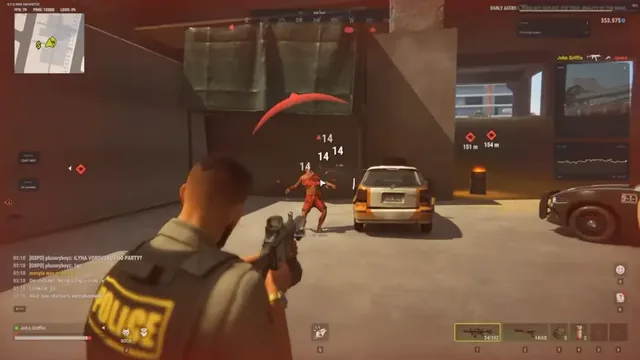
When to spoof hardware versus buying UGC stock on robrun-cheats.net.
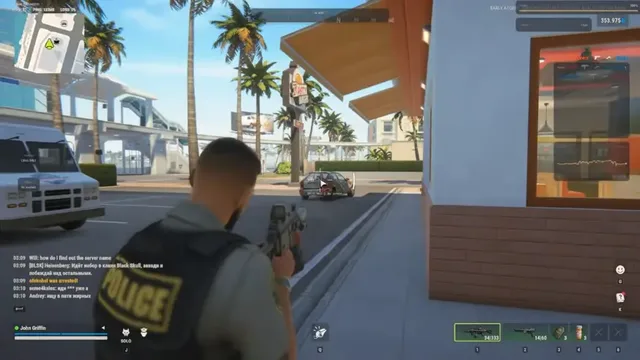
Status banner, loader reload, and conservative profiles after Kefir updates.
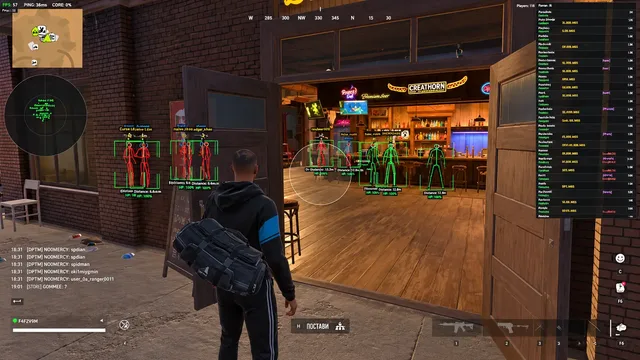
File integrity, anti-cheat flags, and support tickets with order email.
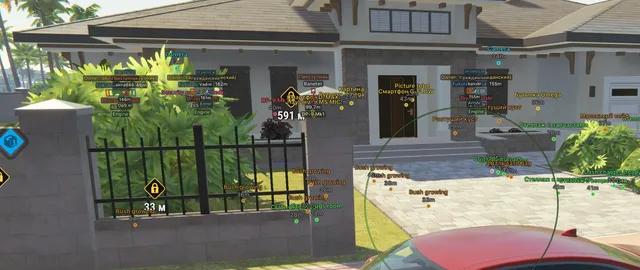
Download the loader, import conservative ESP presets, and verify status before your first Looty Bay heist.
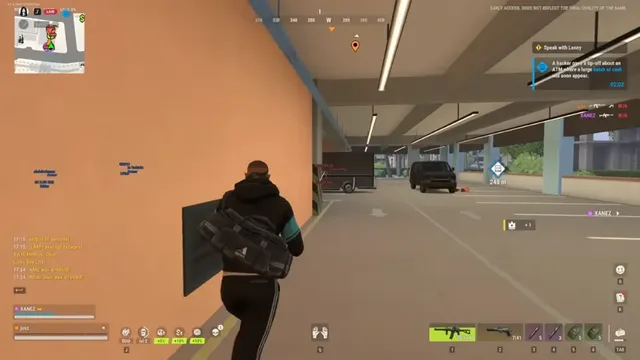
Role tags, loot markers, and radar range—keep overlays readable during cop chases and PvP.
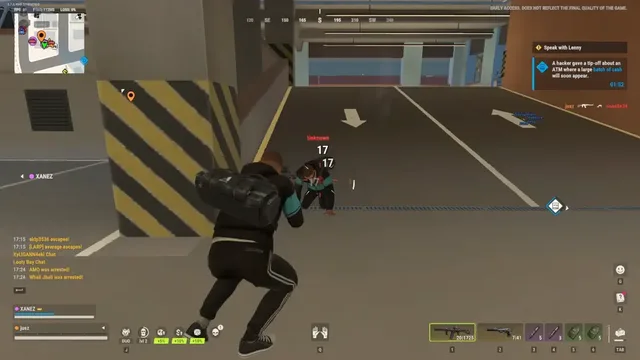
Module toggles, panic keys, and cloud config save on robrun-cheats.net.
FAQ
Questions about this page
Answers tied to what you are reading—visit the FAQ page for every topic.